
Edit Member Preferences
Member Preferences are special fields used to capture and store information that Members provide about themselves, such as their interests, likes, preferences, hobbies, and so forth. Marketers will often use this information for targeting, and to craft messages that best resonate with Members. A Member Preference can be configured to accept only one value, or multiple values.
Note: You can create, view
To edit the Member Preferences for a Member:
-
Select Members from the top navigation bar, then select CSR > People from the side navigation menu. The People screen is displayed.
-
On the People screen, search for and select the desired Member (see
-
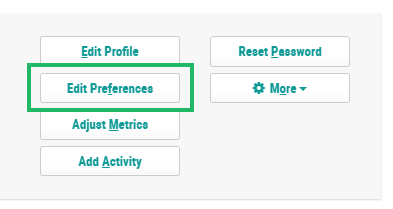
Within the header section of the screen, click Edit Preferences. The Edit Preferences pop-up window is displayed and populated with all of the Member Preference fields defined in your account.
-
Make the desired changes to the Member Preferences. Preference fields that accept only one value are displayed as drop-down menus. Preference fields that accept multiple values are displayed as check boxes.
-
Click Save.
